Trend Explorer
Recent download momentum
Hourly download deltas for the last 48 hours.
Latest hour +0 Jul 26, 2 PM
Peak hour +1 Jul 27, 8 AM
Average +0 per hour
About this addon
What it does
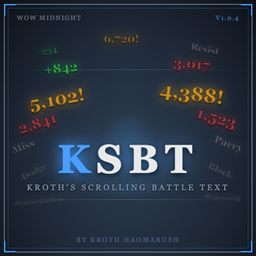
Kroth's Scrolling Battle Text (KSBT)
Accurate floating combat text for World of Warcraft: Midnight, authored by Kroth Haomarush.
KSBT replaces the default floating combat text with a confidence-based attribution system — intelligently tracking outgoing damage, incoming damage, heals, and cooldowns with customizable scroll areas, fonts, and animations.
Compatibility
- WoW Version: Midnight 12.0.1 (Interface 120001)
- Addon Version: 1.0.1
Installation
- Download the latest release from GitHub Releases
- Extract the
KBSTfolder to:World of Warcraft\_retail_\Interface\AddOns\KBST\ - Restart WoW or type
/reload
Usage
| Command | Description |
|---|---|
/ksbt |
Open configuration panel |
/krothsbt |
Open configuration panel (alternate) |
/ksbt debug [0-3] |
Set debug level (0=off, 3=verbose) |
/ksbt reset |
Reset profile to defaults |
/ksbt version |
Print current version |
/ksbt minimap |
Toggle minimap button visibility |
The minimap button also provides quick access:
- Left-click — Open config
- Right-click — Close config
- Middle-click — Toggle KSBT on/off
Features
- Confidence-based damage/heal attribution
- Separate scroll areas for outgoing, incoming, and cooldown events
- Fully customizable fonts, sizes, colors, and animations
- Draggable scroll area positioning with unlock/lock mode
- Combat-only mode
- Ace3 config UI with profile support
- Minimap button
Repository
GitHub: https://github.com/mlaplante/KSBT Author: Kroth Haomarush Current Version: 1.0.1
At-a-glance numbers
Performance highlights
- Peaked at Hot #1682 on Jul 25, 2026.
- Peaked at Rising #4472 on Jul 26, 2026.
- Featured on the Hot list across 6 distinct weeks.
- Shipped 1 release in the last 30 days.
- Averaging 9 new downloads per day over the past week.
Visuals
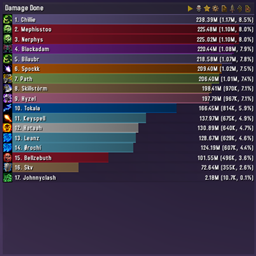
Screenshots 3
Use real gameplay shots to assess the addon before installing.