Trend Explorer
Recent download momentum
Hourly download deltas for the last 48 hours.
About this addon
What it does
An addon designed to help protect OLED screens by dynamically shifting the user interface and applying a fullscreen effect when your character is stationary or AFK. The addon offers several customizable settings that allow users to fine-tune how the UI elements shift and how the fullscreen effect behaves to reduce the risk of static image retention on OLED displays.
Key Features:
- Fullscreen Effect: Apply a customizable fullscreen effect when AFK or idle to reduce static elements on your screen.
- User Interface Shifting: Periodically shifts the entire UI by a configurable pixel amount to prevent burn-in from static UI components.
- In-Combat Handling: Automatically disables UI shifting and fullscreen effects during combat, ensuring uninterrupted gameplay.
- Camera Zoom Adjustments: Toggles camera zoom in/out while AFK for additional screen activity.
- Customizable Sliders: Adjust the frequency and intensity of the fullscreen effect, UI shift amount, and shift frequency through intuitive sliders.
- Slash Commands: Use
/bipto access settings or/bip defaultsto reset everything to default values.
Settings:
- Fullscreen Effect Fade Speed: Controls how quickly the fullscreen effect fades in and out.
- Fullscreen Effect Frequency: Defines how often the fullscreen effect is displayed.
- Fullscreen Effect Intensity: Adjusts the strength of the effect based on UI transparency.
- User Interface Transparency: Modifies the overall transparency of the UI.
- Shift Amount & Frequency: Customize how far and how often the UI shifts on the screen.
Discord:
Disclaimer:
Changes require a reload of the user interface. This addon will not eliminate screen burn-in. To reduce the risk, it is recommended to manually hide the UI periodically, use loading screens (e.g., by taking portals), minimize the application, and follow your monitor's burn-in prevention guidelines.
At-a-glance numbers
Performance highlights
- Peaked at Hot #310 on Jul 8, 2026.
- Peaked at Rising #265 on Jul 10, 2026.
- Featured on the Hot list across 6 distinct weeks.
- Shipped 10 releases in the last 30 days.
- Averaging 13 new downloads per day over the past week.
Visuals
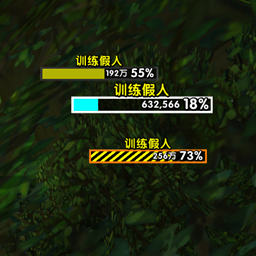
Screenshots 3
Use real gameplay shots to assess the addon before installing.