Trend Explorer
Recent download momentum
Hourly download deltas for the last 48 hours.
About this addon
What it does
Mouseover Action Settings - Automatic UI Fader
Regarding Midnight:
This add-on has already been updated for Midnight. You can find it in the beta channel.
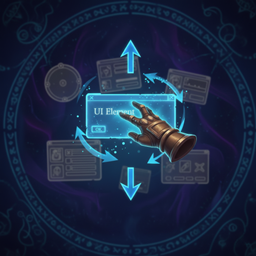
Are you tired of cluttered screen space in your World of Warcraft adventures? This add-on allows you to hide UI frames when you don't need them, creating a cleaner UI and a more immersive gaming experience.
Key Features:
- Mouse-over Magic: Just hover your mouse over the area, and your UI frame reappears!
- Event-Driven Design: Frames can also reappear based on a selection of trigger that you can choose from (e.g. in combat, when entering a dungeon, dragon riding and more).
- Customizable Opacity: You control how much your frames fade, from a subtle transparency to complete invisibility.
- Tweak Behavior: You can tinker with the fade time and animation speed. Add-on wide or per module.
- Links: Frames can be linked together so that when you hover the mouse over one, all linked frames will also appear.
Additional Features:
- Hide the text on action bars.
- Switch between profiles without reloading (specialisation profile support included).
- Share/import profiles.
- Tinker Zone a feature that allows you to create your own modules if you have a rough understanding of how the user interface works.
The event-driven design of the addon makes it easy to add more frames or triggers - so if you feel that something you really want is missing, feel free to request a new module or trigger.
You can open the add-on settings by using the minimap icon, the addon compartment entry or by typing one of the following commands:
/mbars
/mas
At-a-glance numbers
Performance highlights
- Peaked at Hot #314 on Jul 14, 2026.
- Featured on the Hot list across 6 distinct weeks.
- Shipped 1 release in the last 30 days.
- Averaging 109 new downloads per day over the past week.
Visuals
Screenshots 7
Use real gameplay shots to assess the addon before installing.