Trend Explorer
Recent download momentum
Hourly download deltas for the last 48 hours.
About this addon
What it does
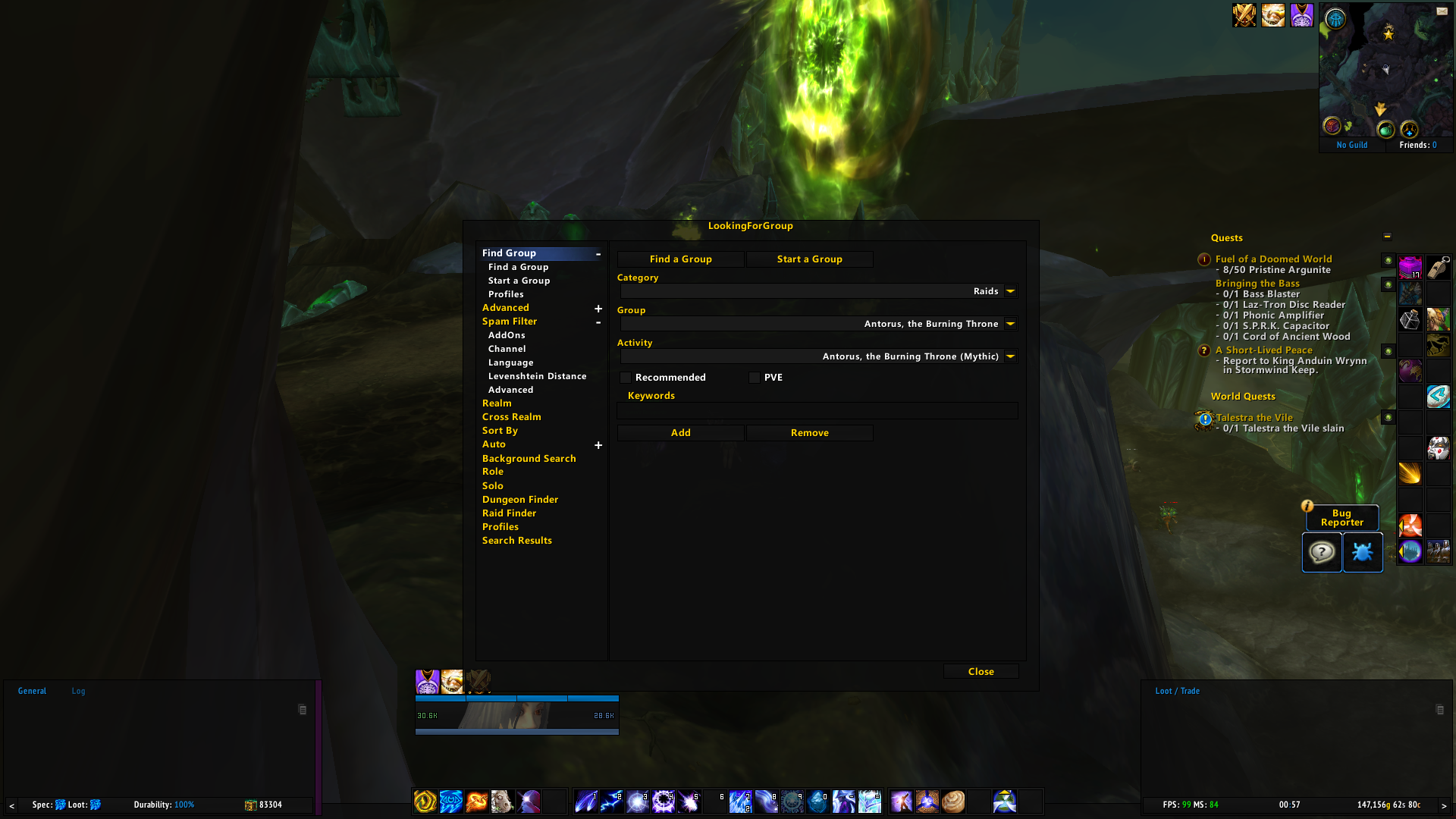
LookingForGroup is a highly versatile addon that combines various LFG features into a single, easy-to-use tool. This addon includes a spam filter, premade filter, World Quest Group Finder (WQGF), Cross Realm Assist, and other LFG tools that will enhance your gameplay experience.
Please note that using this addon will replace your entire Blizzard Group Finder UI, including LFD and Raid Finder Queue.
Blizzard's UI lacks customization options, which is why many players turn to addons to enhance their gameplay experience. However, using multiple addons to perform similar functions can bloat the binary size and create unnecessary confusion. LookingForGroup solves this problem by combining all LFG features into a single, efficient addon that shares the same code base and works seamlessly together.
It's essential not to disable the LFG hook and LFG event addons if you're unsure what hooks and events are in WoW. Disabling these addons may cause issues with LookingForGroup, and it's essential to keep them enabled for the addon to work correctly. Additionally, please do not disable the LFG auto addon, which is also crucial for the addon's proper functioning.
You can access the LFG config dialog by typing /lfg or left-clicking on the LFG minimap button. With LookingForGroup, you'll have all the LFG features you need in one place, making it the perfect tool for players who want to streamline their gameplay experience.
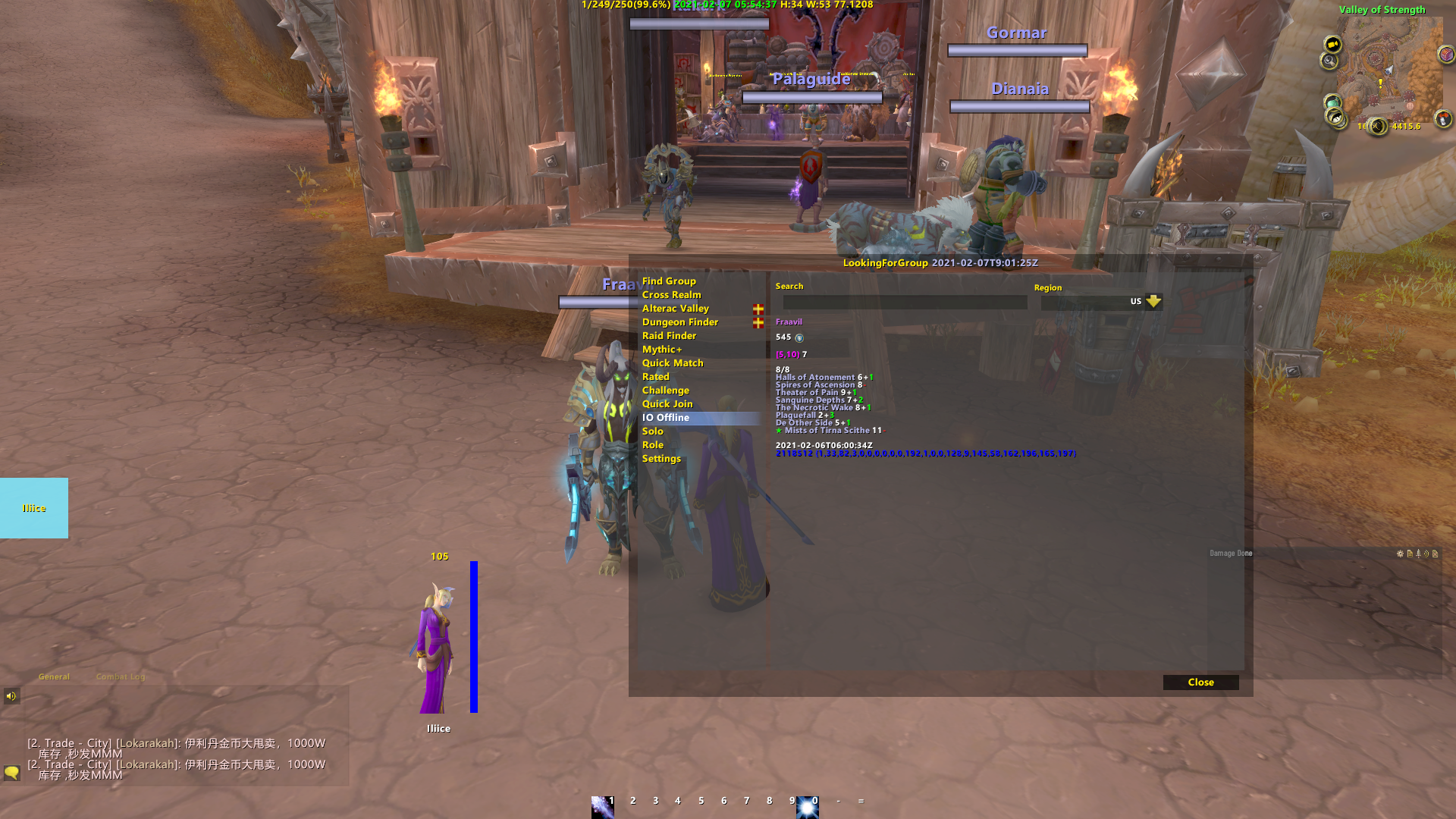
Raider.IO support for LookingForGroup AddOn.
Realm Whitelist (Block Realms to avoid high ping)
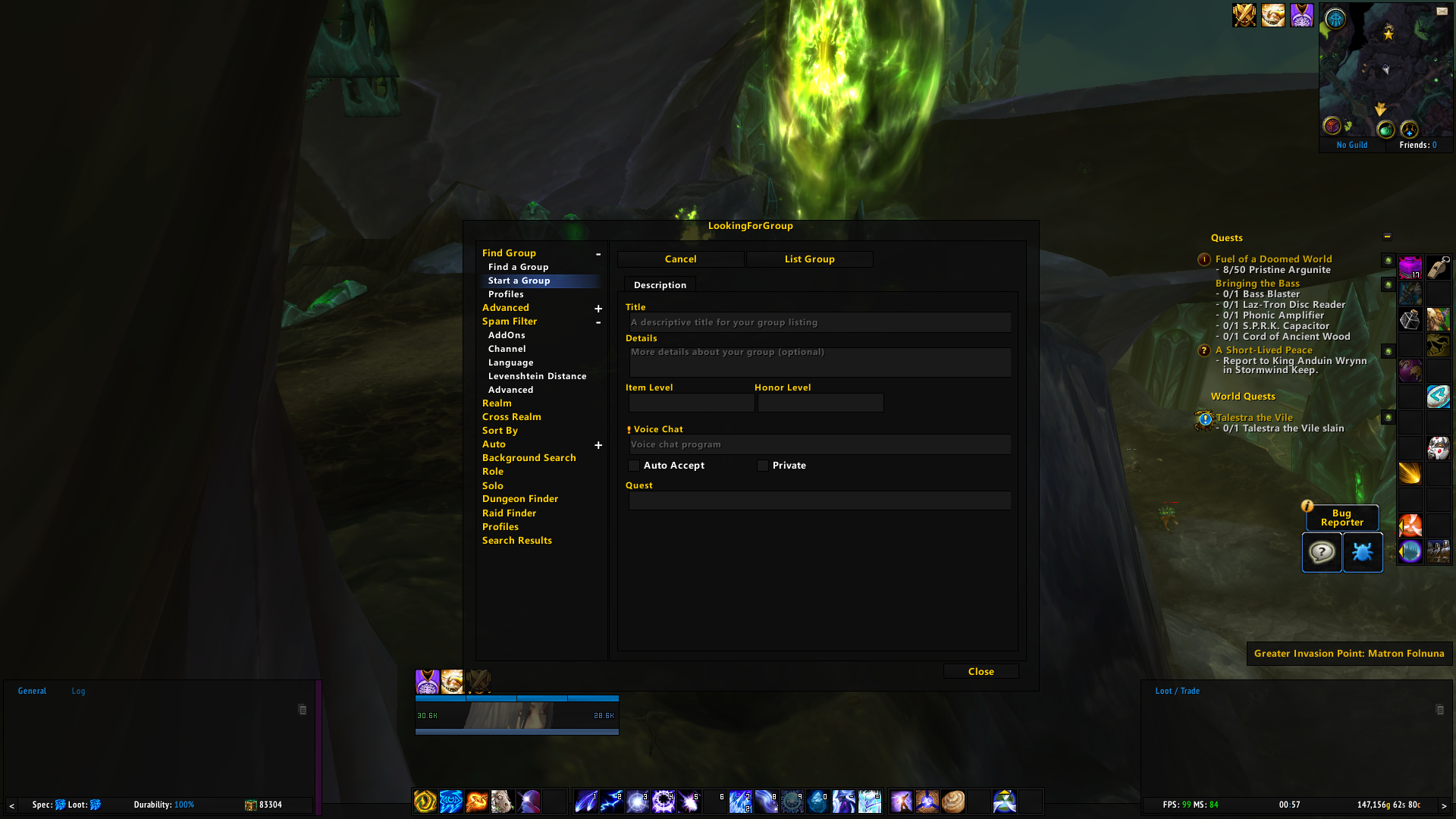
HOW TO USE LFG TO CREATE A GROUP?
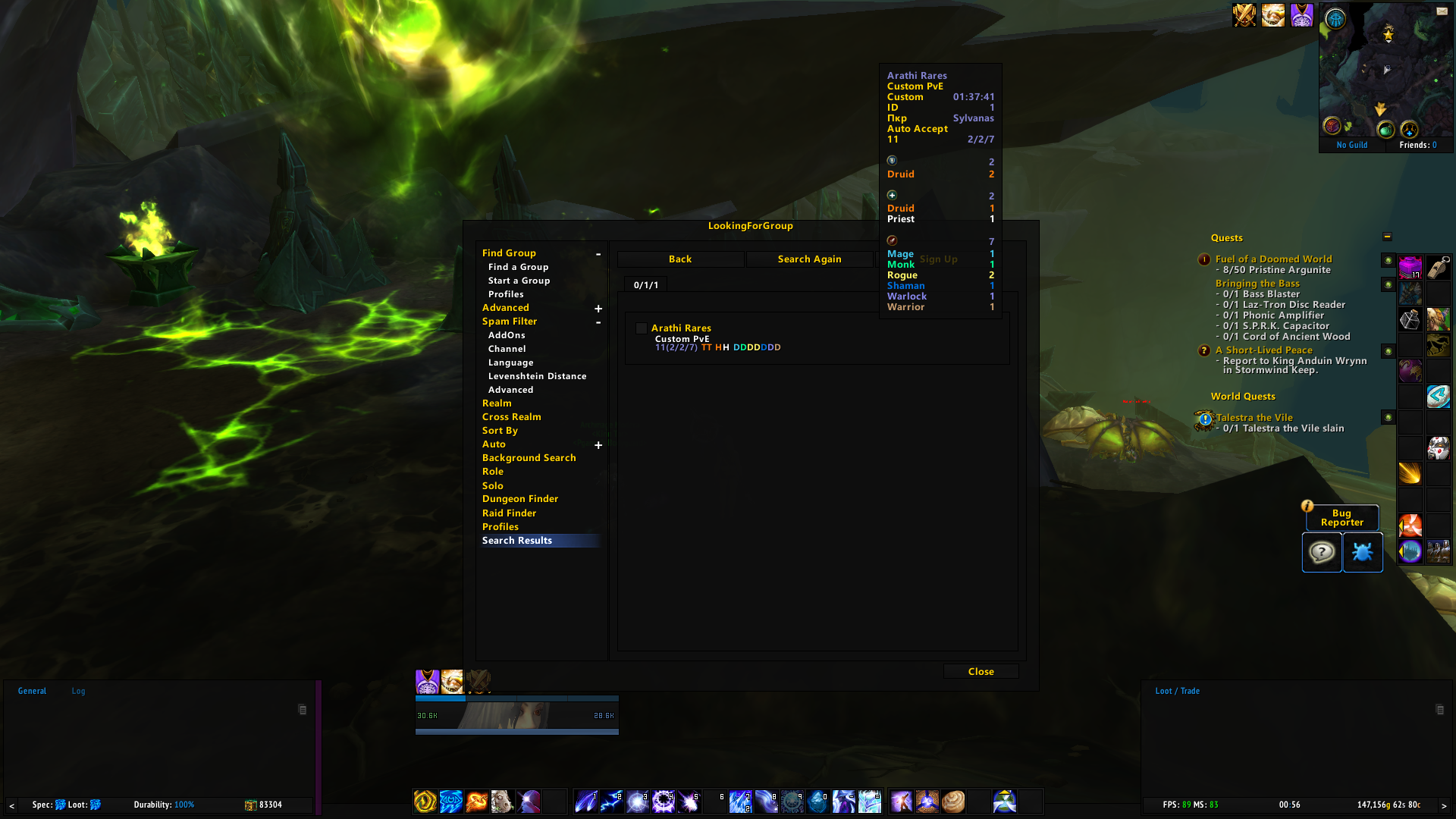
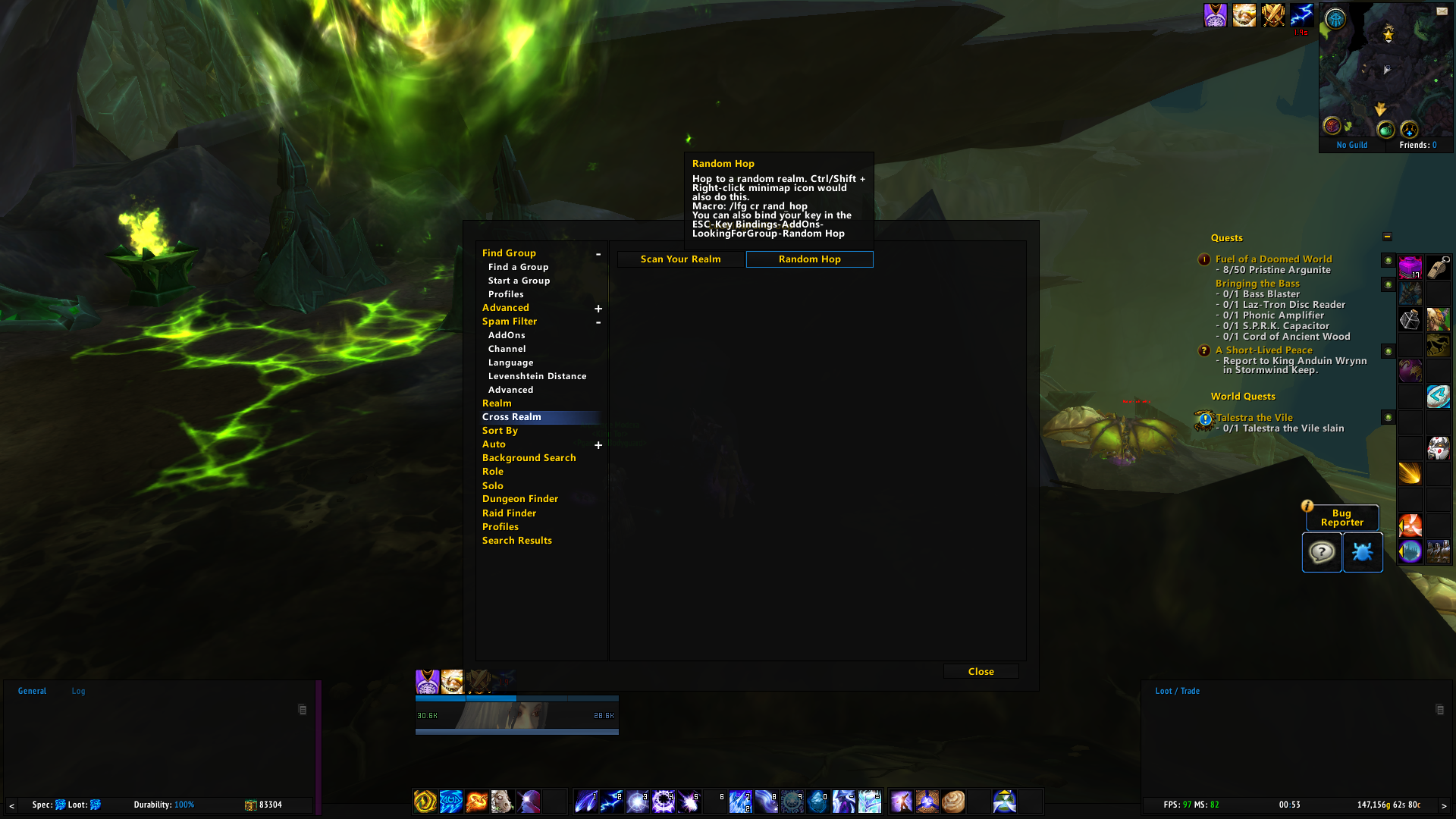
Random Hop
Remove other AddOns noises
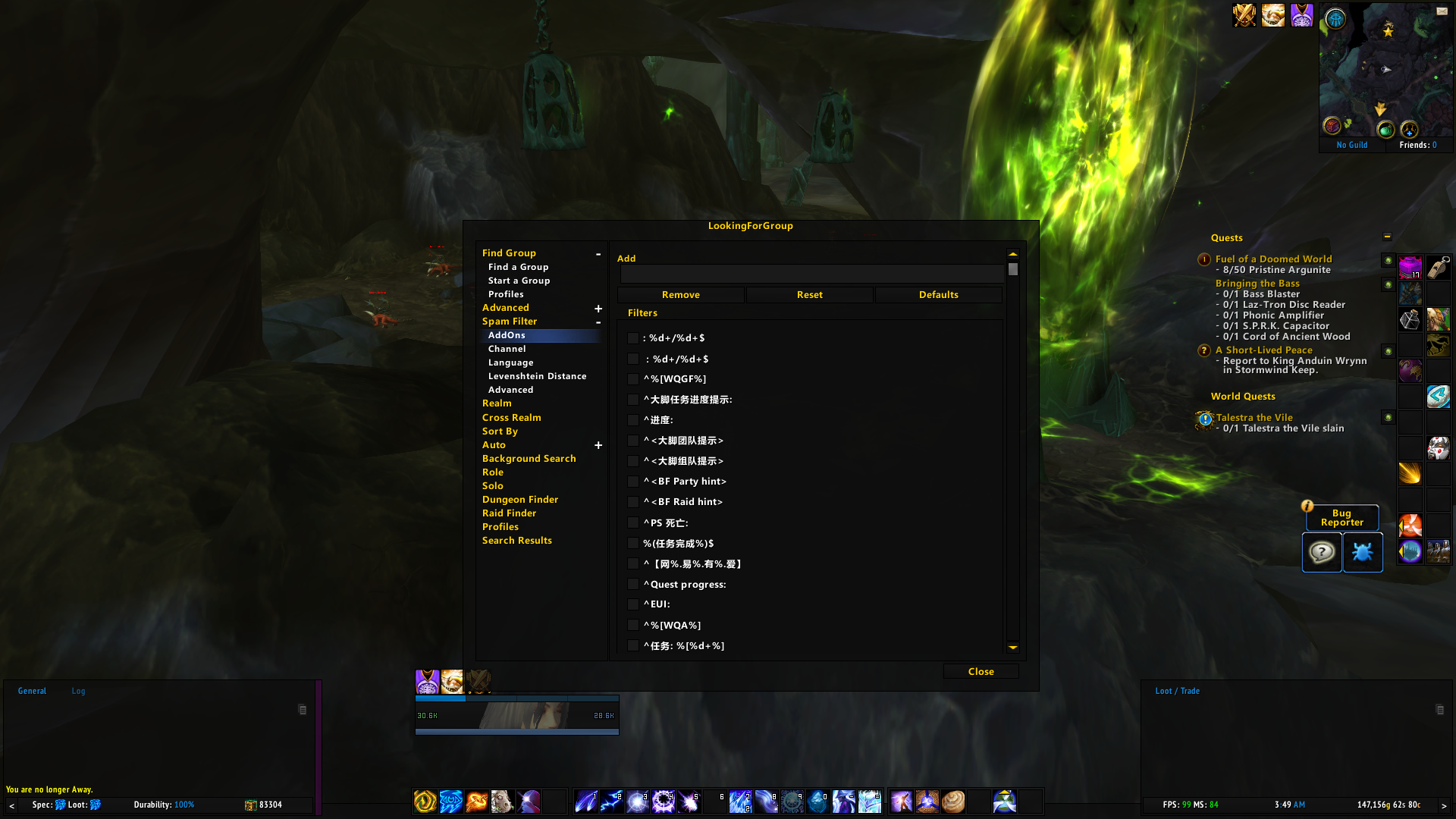
Spam Filter

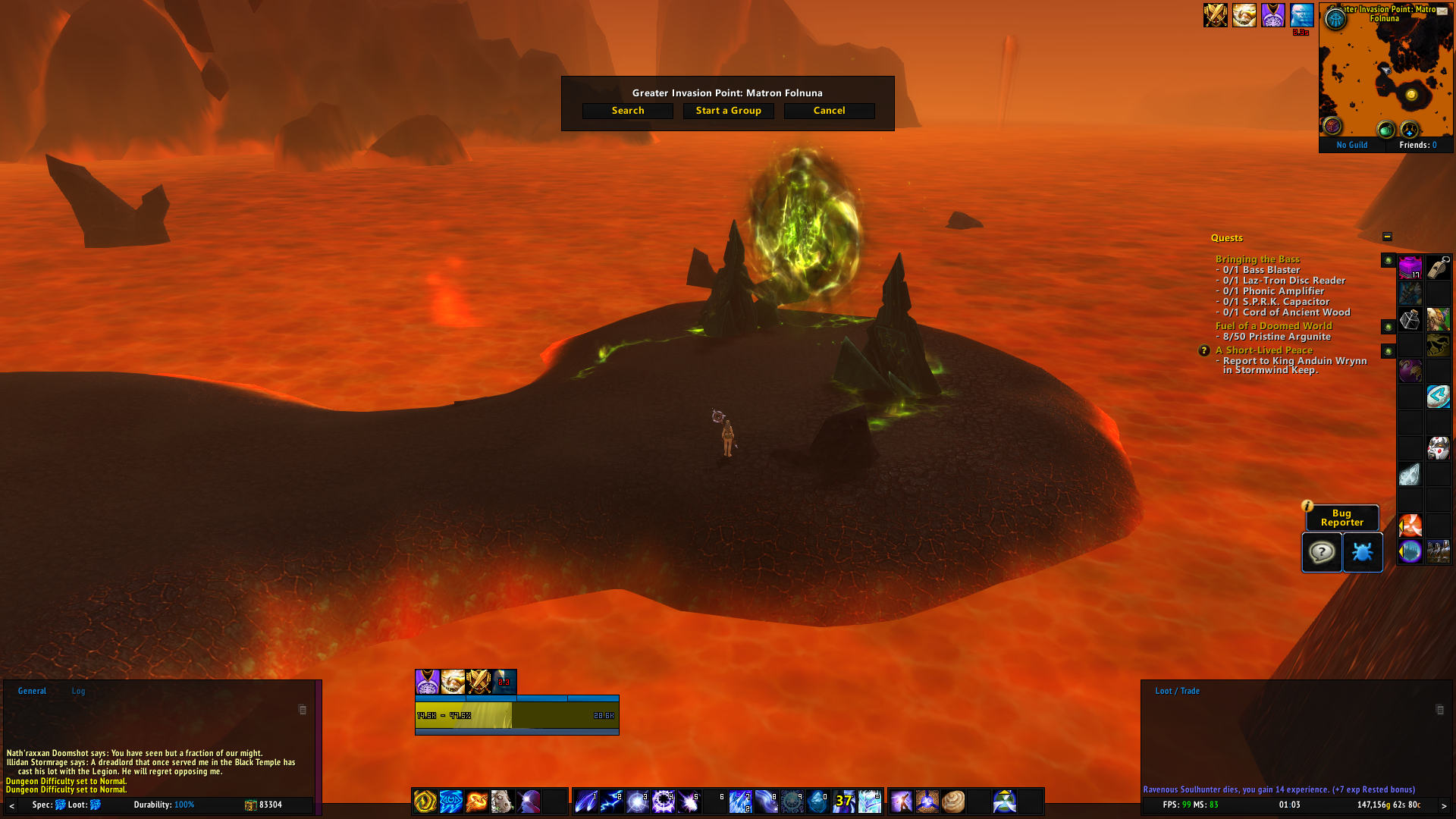
Invasion Point
Just disable sub-add-on in your addon list if you don't want the particular feature of LFG. For example, you don't want to use LFG for the quest, disable LookingForGroup Quest AddOn in your AddOn list.
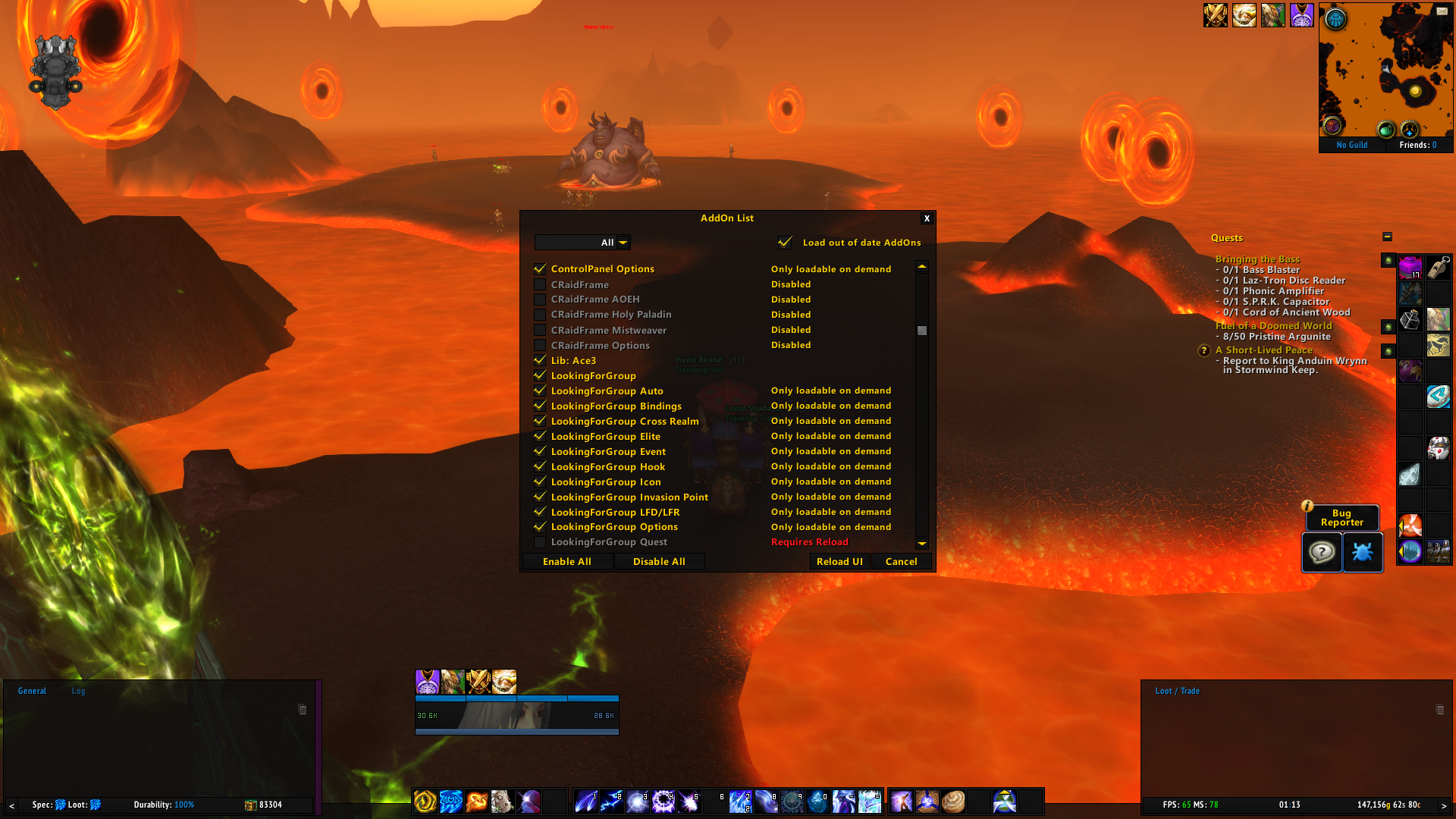
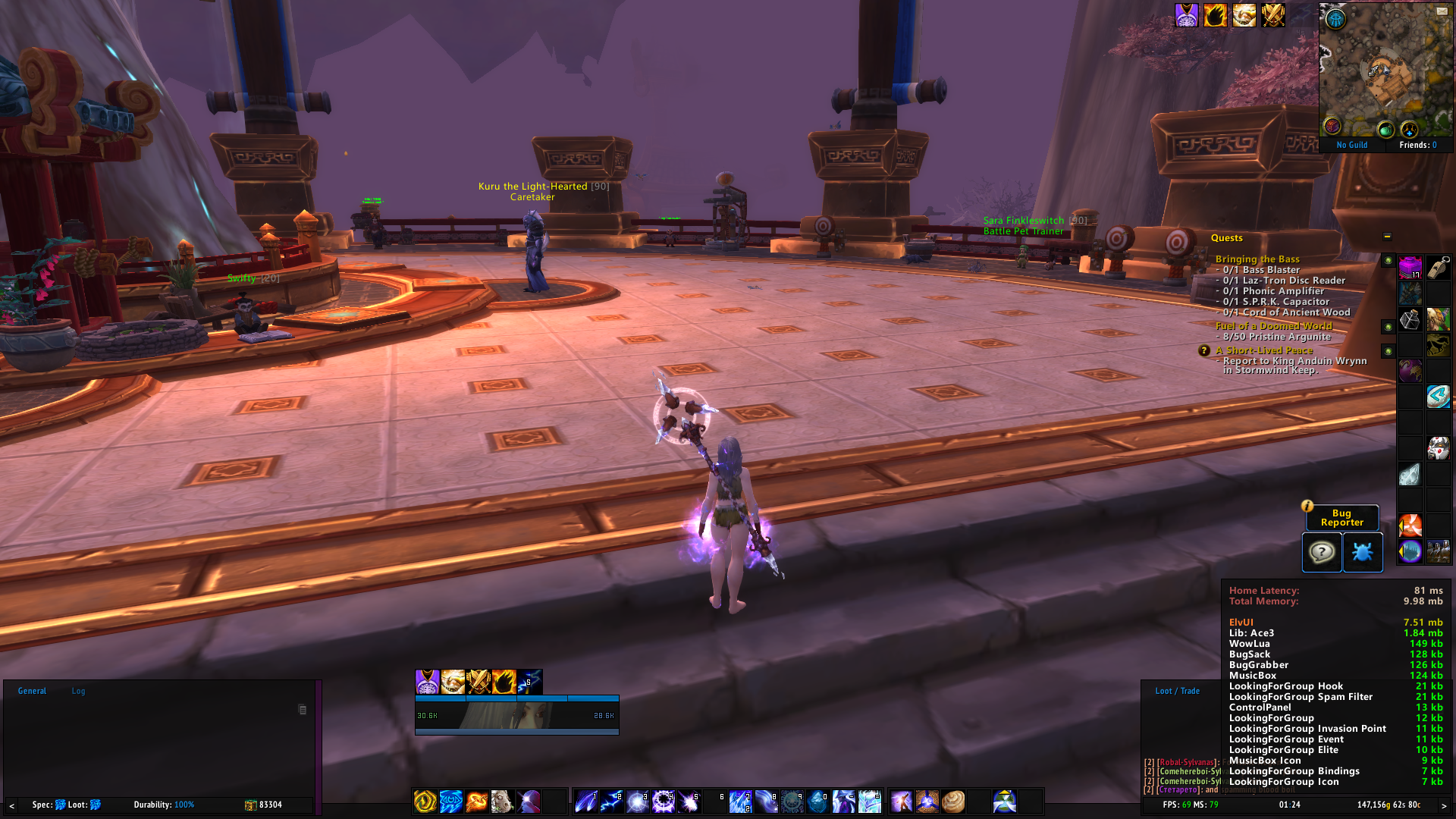
Do not worry about the resource usage of this AddOn. The sub-add-ons are all Load On Demand which means they won't load unless you use those features.
Common Q/A:
1. How to disable the LFG minimap icon? Just disable the LFG Icon addon in your addon list.

2. How to disable quest popping up automatically?

Or leave the quest range, and LFG will close the pop-up.
3. Where is my title bar in the premade groups UI?
If you're wondering where your title bar is in the premade groups UI, you may have noticed that it's missing since the release of BFA. This is because LFG is designed to replace Blizzard's premade groups entirely, much like custom raid frame add-ons such as grid, grid2, and Healbot did for compact raid addons. Unfortunately, there is limited customization available for Blizzard's UI, so it's best to use LFG to create and search for groups instead.
It's worth noting that LFG does not have a traditional UI in the same way that other premade group add-ons do. Instead, the entire UI is based on AceConfigdialog-3.0 with some dialog control widgets. This approach ensures that LFG is incredibly lightweight and won't consume significant resources on UI, making it the perfect choice for players who want a streamlined LFG experience without sacrificing performance.
At-a-glance numbers
Performance highlights
- Peaked at Hot #44 on Jul 18, 2026.
- Featured on the Hot list across 6 distinct weeks.
- Shipped 1 release in the last 30 days.
- Averaging 93 new downloads per day over the past week.
Visuals
Screenshots 1
Use real gameplay shots to assess the addon before installing.